Set up your payment methods
Set up the payment methods that you want to offer to your customers.
To accept payments, you have to configure the payment methods that you’ve contractually agreed with Unzer.
Before you begin
Change payment method list order
If you want to change the payment method list order in checkout, then you can do it from Setup > Shop > Choose your store > Arrange payment methods.
You sort the payment method list by entering a number in the Sorting priority column. Note that the highest number appears first in the list at checkout.

Change payment method visibility
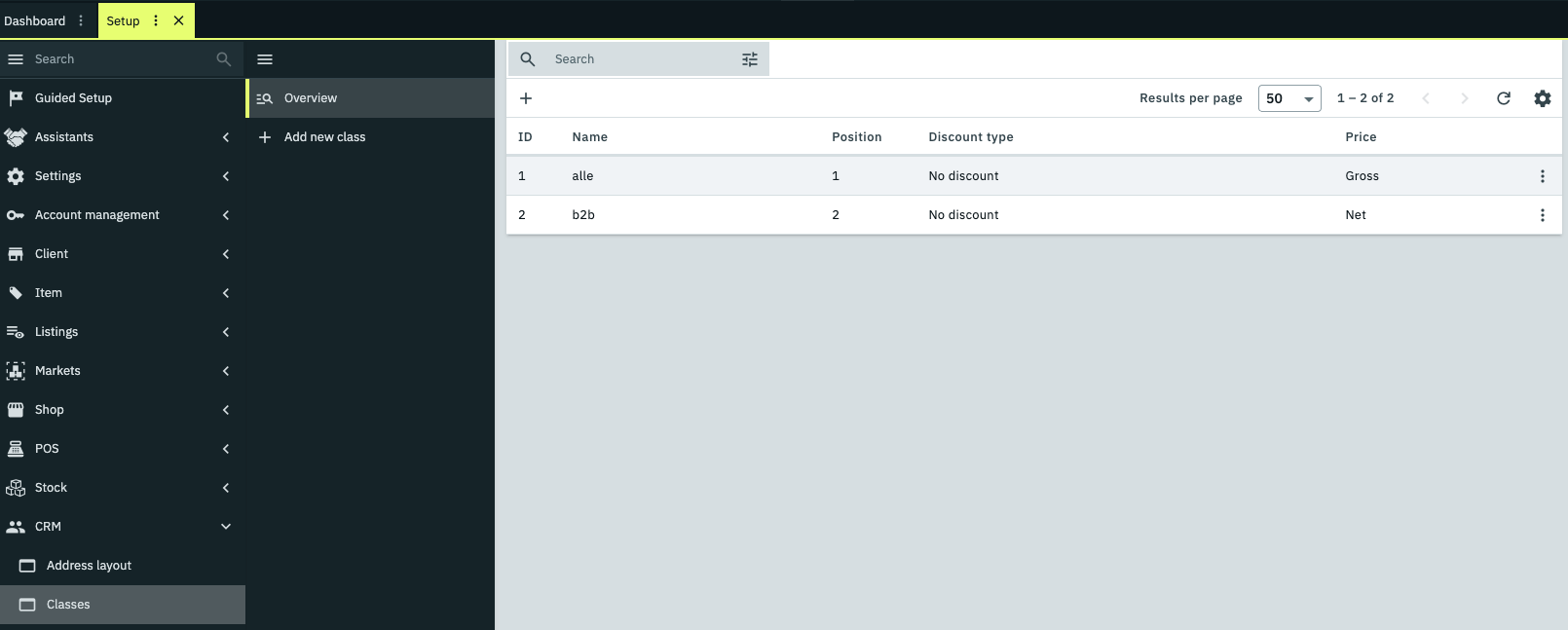
From the Plentymarkets backend, you can decide which payment methods are visible during checkout. To set it up, go to Setup > CRM > Classes. In the overview choose which class you wish to update.
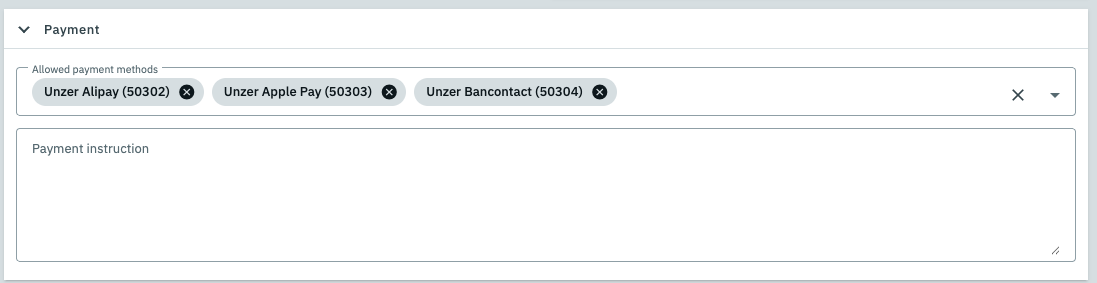
After you have selected a class, you can see which payment methods are already visible.
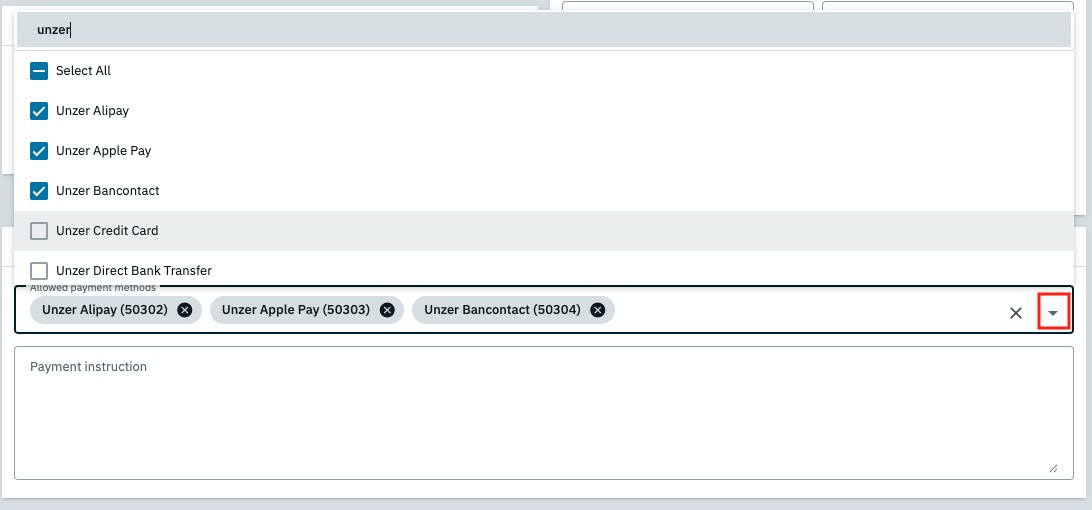
To update the list, click on the triangle icon on the right, search for Unzer in the menu and select or deselect payment methods.
Click Save at the top when you are done.